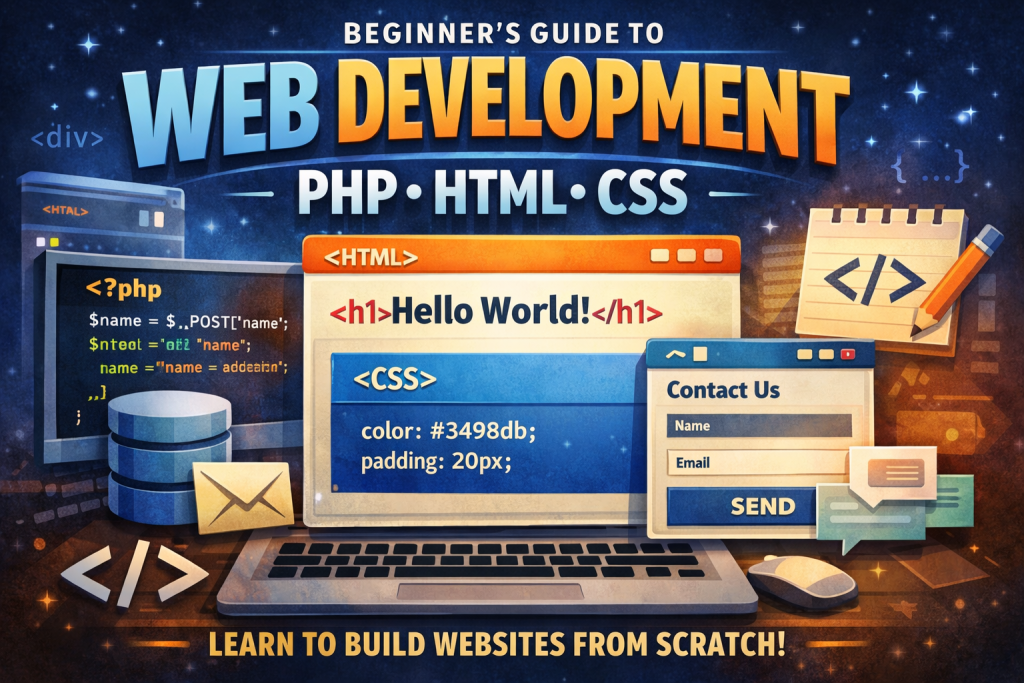
For individuals new to web development, the abundance of available learning paths can be overwhelming, with many sources presenting their approach as the only valid option. However, for those seeking to build functional websites and applications efficiently, learning HTML, CSS, and PHP offers a practical and often underappreciated foundation.
This guide outlines the functions of each technology, their integration, a realistic learning roadmap, recommended projects, common mistakes, and effective practice strategies.
What You’re Actually Building (The Big Picture)
When someone visits a website, here’s the simplified reality:
✅ Frontend (what the user sees)
- HTML = the structure (headings, paragraphs, buttons, forms)
- CSS = the style (colors, layout, spacing, fonts)
- (Later you can add JavaScript, but you don’t need it day 1.)
✅ Backend (the “brains”)
- PHP = server-side logic (logins, saving form data, reading from databases, permissions)
✅ The Server
A web server (like Apache or Nginx) receives a request and returns a response.
- If the request is for a plain .html, it sends it as-is.
- If the request is for a .php, the server runs PHP first and sends back the result (usually HTML).
Key mindset shift:
PHP doesn’t “run in the browser.” PHP runs on the server, and the browser only receives the output.
What HTML Really Is (and How Beginners Should Use It)
HTML is not “programming”—it’s a markup language. Its job is to describe content.
The beginner rule for HTML:
Use HTML to represent meaning, not appearance.
Good HTML:
- <h1> for the main page title
- <h2> for sections
- <p> for paragraphs
- <button> for clickable buttons
- <label> + <input> for forms
Bad HTML beginner habit:
- Using <div> for everything
- Styling through HTML attributes instead of CSS
- Skipping headings because “it looks fine”
What to learn first in HTML
- Page skeleton: <!doctype html>, <html>, <head>, <body>
- Headings: h1–h6
- Text: p, strong, em
- Links and images: a, img
- Lists: ul, ol, li
- Forms: form, input, textarea, select, button
- Tables (later): table, thead, tbody
Beginner win: Learn forms early. Forms are the bridge to PHP.
CSS Without the Confusion (How Styling Actually Works)
CSS is essential for ensuring that a website appears modern and visually appealing.
How CSS “thinks”
CSS applies rules like:
“Select these elements, and apply these styles.”
Example conceptually:
- Select all paragraphs and make the text bigger
- Select a .card and give it padding, border radius, and shadow
- Select buttons when hovered and change color
The most important CSS topics (in order)
- Selectors
- element: p
- class: .card
- id: #header (use sparingly)
- Box model
- margin, border, padding, width/height
- Typography
- font-family, font-size, line-height
- Layout
- Flexbox (must learn)
- Grid (second)
- Responsive design
- media queries
- flexible widths
- mobile-first thinking
Common misconception: CSS appears unpredictable to beginners.
CSS follows defined rules, but may seem unpredictable until the following concepts are understood:
- Specificity (which rule wins)
- Inheritance (some styles are passed down)
- Layout rules (block vs inline vs flex/grid)
Beginner tip:
If your CSS “isn’t working,” 90% of the time it’s:
- wrong selector
- another rule overriding yours
- forgetting the stylesheet is linked
- layout misunderstanding (especially flex)
PHP: Why It’s a Great Beginner Backend Language
Despite frequent criticism in online discussions, PHP powers a significant portion of the web, including major platforms such as WordPress, and is highly accessible for beginners because:
- You can write PHP and see results immediately
- It’s easy to mix with HTML while learning
- Hosting is cheap and widely supported
- It’s practical for real-world projects like forms, dashboards, and admin panels
What PHP is best for as a beginner
- Handling form submissions (GET/POST)
- Validating inputs
- Sending emails (later)
- Auth (login/logout)
- Connecting to a MySQL database
- CRUD apps (Create, Read, Update, Delete)
Important beginner safety rule
Never trust user input. Ever.
Everything from forms must be validated and sanitized.
How HTML, CSS, and PHP Work Together
A typical beginner flow:
- User opens a page: index.php
- PHP runs on the server:
- loads data (maybe from a database)
- decides what HTML to generate
- Server returns HTML + CSS to the browser
- The browser displays the page
Classic beginner project: a contact form
- HTML builds the form
- CSS makes it look good
- PHP receives the form data and processes it
This project represents an ideal initial milestone for full-stack development.
The Beginner Roadmap
Here’s a simple roadmap that works:
Phase 1 — HTML Foundations
Goal: Build pages that make sense.
- Build a personal homepage with sections
- Build a simple “about me” page
- Add navigation links
Milestone: You can build a clean page without copying templates.
Phase 2 — CSS Layout & Responsive
Goal: Make your pages look modern.
- Learn Flexbox deeply
- Build:
- a navbar
- a card grid layout
- a responsive landing page
Milestone: You can build a mobile-friendly layout from scratch.
Phase 3 — PHP Basics
Goal: Learn how server-side code works.
- Variables, arrays, loops, functions
- include / require (reusable headers/footers)
- GET/POST handling
- Basic sessions
Milestone: A PHP site with multiple pages sharing a common layout.
Phase 4 — Databases
Goal: Make your app store and retrieve data.
- Learn MySQL basics (tables, rows, keys)
- Use PDO (recommended) for database access
- Build a CRUD app:
- Add items
- View list
- Edit
- Delete
Milestone: You built an app that “remembers” things.
Phase 5 — Authentication + Security
Goal: Build real apps safely.
- password hashing
- sessions
- prepared statements
- CSRF basics
- validation
Milestone: Users can register/login and only see their own data.
Setup: The Easiest Local Dev Environment for PHP
Beginner-friendly options:
Option A: XAMPP / MAMP / WAMP
- Very easy install
- Includes Apache + PHP + MySQL
Option B: Built-in PHP server (simple projects)
- Fast and lightweight
- Great for learning basics
Option C: Docker (later)
- Professional workflow
- More moving parts (better after you’re comfortable)
It is advisable for beginners to select the simplest available option to begin coding immediately.
Projects That Actually Teach You
If you want to improve quickly, build projects with real workflows.
Level 1 projects
- Portfolio site (HTML/CSS)
- A landing page with a newsletter form (HTML/CSS + PHP handler)
- A “Quote of the Day” page (PHP arrays + includes)
Level 2 projects
- Contact form + validation + success/error messages
- Simple blog:
- create posts (admin page)
- list posts
- view single post
Level 3 projects (the real growth)
- Login system + user dashboard
- Todo list with database
- “Status board” app (updates for a location/day, like a driver report board)
- File upload gallery (with strict security rules)
Recommendation: Each project should focus on mastering a single challenging concept rather than multiple complex topics simultaneously.
Beginner Mistakes That Waste the Most Time
Mistake 1: Copy-pasting without understanding
Templates are fine later. Early on, write it yourself.
Mistake 2: Skipping fundamentals to chase frameworks
Frameworks (Laravel, Symfony) are awesome, but you’ll struggle if:
- You don’t understand forms
- You don’t understand sessions
- You don’t understand databases
Mistake 3: Not learning debugging
Debugging is an essential component of the development process.
Basic debugging habits:
- Read the error message carefully
- Isolate the problem (comment out sections)
- Print variables (var_dump, print_r)
- Check server logs if needed
Mistake 4: Writing everything in one file
Use includes:
- header.php
- footer.php
- config.php
- reusable functions
This approach fosters organizational skills from the outset.
The “Professional” Habits to Build Early
To develop professional habits and accelerate progress, the following practices are recommended:
✅ Use consistent structure
- public/ or root pages
- includes/ for shared layout
- assets/css/ for styles
- assets/img/ for images
✅ Write clean, readable code
- Good indentation
- Meaningful variable names
- Comments only when needed
✅ Learn security as you go
- Always use prepared statements (PDO)
- Escape output (htmlspecialchars)
- Validate input on the server
✅ Build small, then iterate
Avoid beginning with overly ambitious projects.
Begin with a functional version and iteratively enhance it.
What You Should Learn Next
Once you can build multi-page PHP sites with a database, you’re ready for:
- JavaScript basics (form validation, UI improvements)
- Git + GitHub (version control)
- Accessibility (semantic HTML, labels, contrast)
- Deployment (hosting, domains, SSL, environment configs)
- A framework later (Laravel is the big one for PHP)
A Simple Weekly Plan (If You Need Structure)
Week 1: HTML + basic CSS
Build 2 pages, nav, text, images, simple layout
Week 2: CSS flexbox + responsive
Build a landing page with sections and cards
Week 3: PHP fundamentals
Includes, variables, forms, GET/POST
Week 4: MySQL + PDO
Build a CRUD project
After that: authentication + polish + deploy
Final Encouragement
Success in learning web development does not require exceptional intelligence, but rather consistent effort and a willingness to learn from mistakes.
If you stick to HTML + CSS + PHP long enough to build:
- a styled multi-page site,
- a form handler,
- a database CRUD app,
- and a basic login system,
This approach will place learners ahead of most beginners who rely solely on tutorials.